

Start with context
Describe who is trying to do what, in which moment, and what makes that moment difficult today.
Mobile product field notes
Jovemuraki is a calm, practical place to shape a mobile product: clarify the problem, decide what belongs in a first release, and learn through a prototype before the plan hardens.
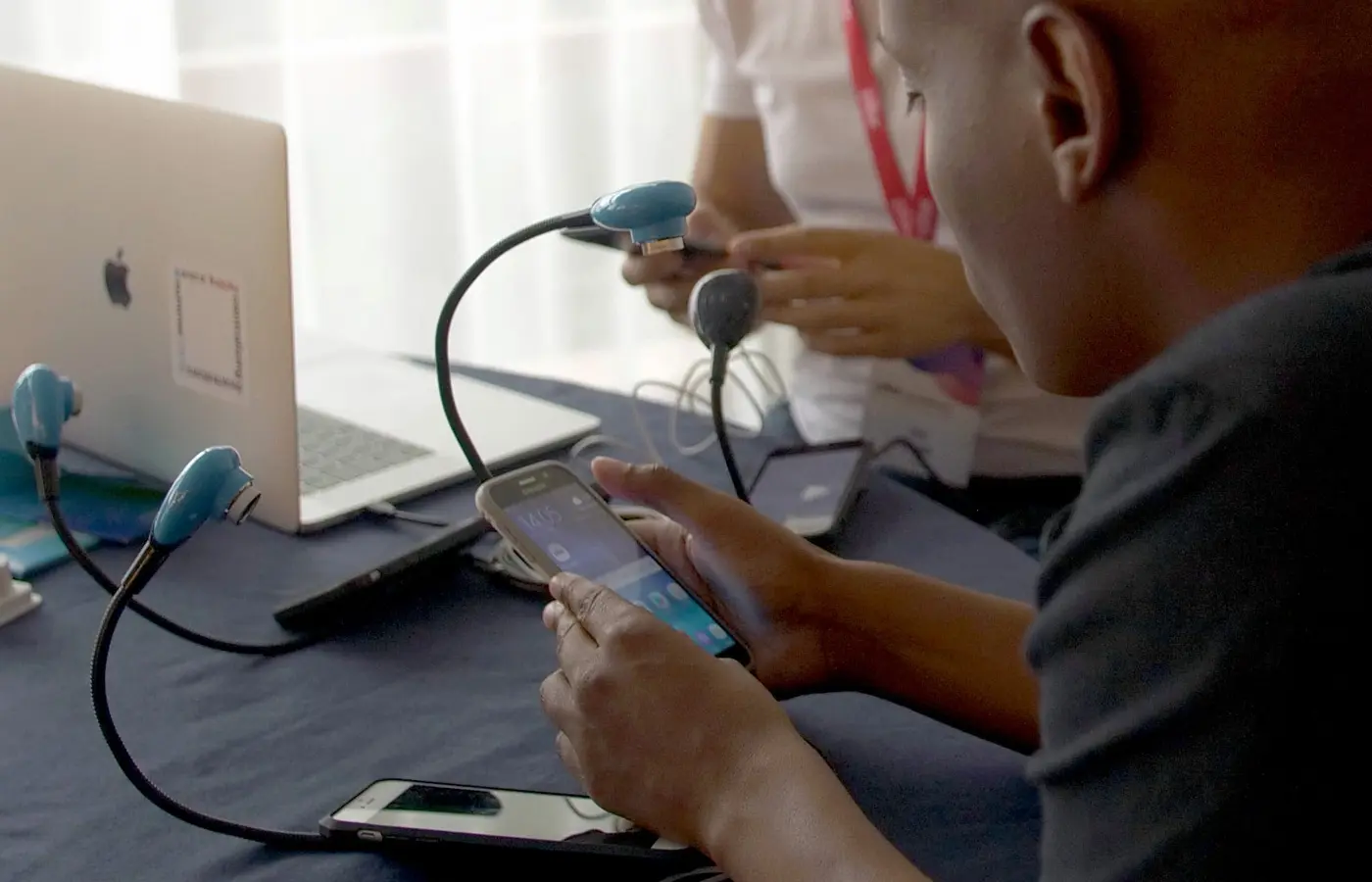
Describe who is trying to do what, in which moment, and what makes that moment difficult today.

Turn the vague “app idea” into a small set of flows, assumptions and trade-offs a group can discuss.

Use a lightweight prototype to see whether a person can recognize, understand and complete the intended task.
A better starting point
Mobile planning improves when it begins with a human situation rather than a feature list. A clear situation gives design, engineering and stakeholders something concrete to examine together.
“When I’m trying to ___, I need a way to ___, so I can ___.”
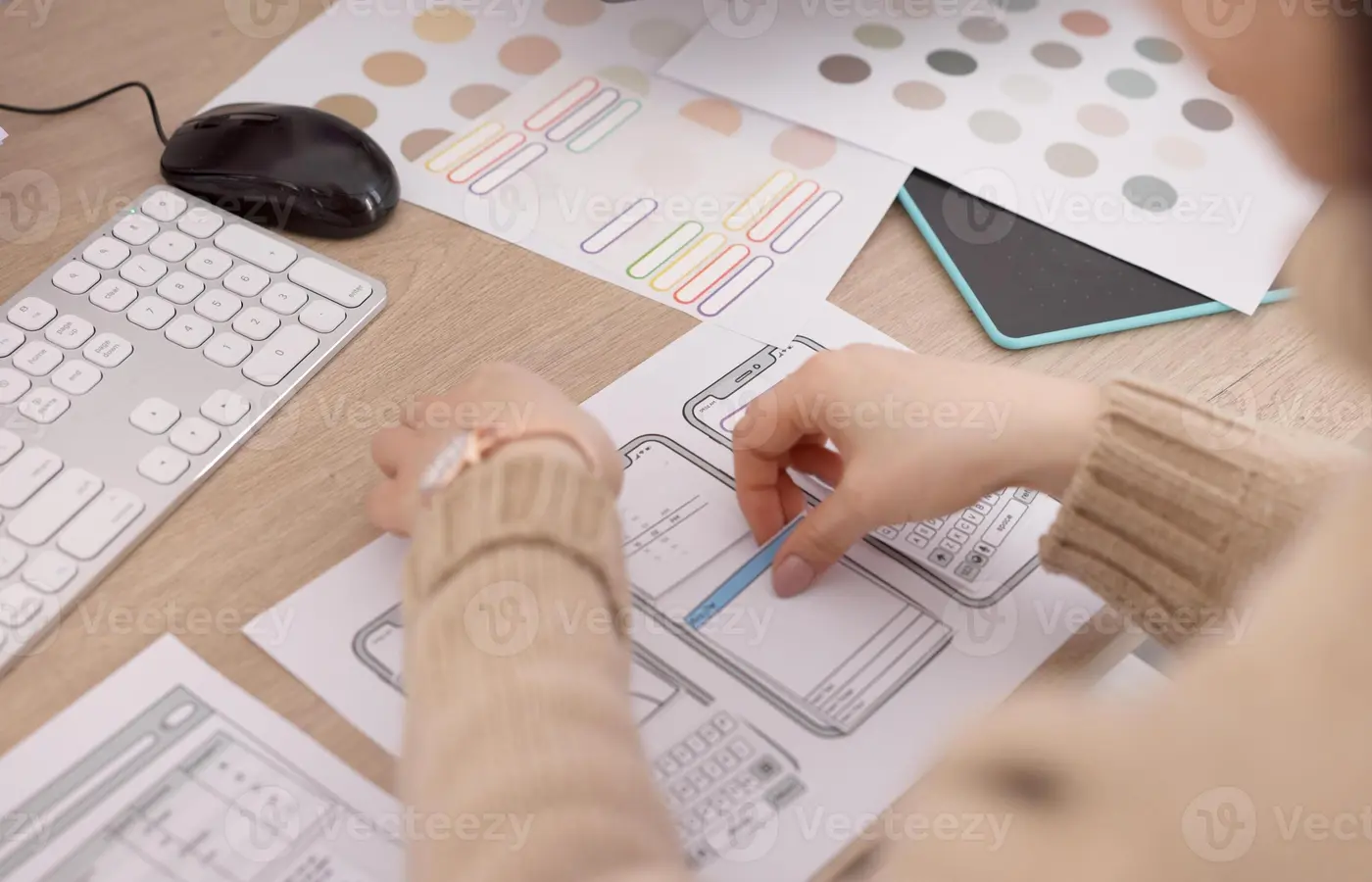
The planning path
These are not gates. They are recurring conversations. Move back when a new observation changes the direction.
Early plans work best when they invite useful disagreement instead of locking a group into a polished answer.
Collect the trigger, the setting, the workaround and the consequence. Write down the words people actually use.
Identify the beginning, the meaningful action and the evidence that the person has reached an outcome.
Map choices, states and edges in plain language before debating screen treatments or implementation details.
Ask someone to work through a realistic prompt. Notice where their expectations and the product’s wording diverge.
Planning lenses
A balanced plan holds a user’s task, a product decision and a buildable shape in view at once.
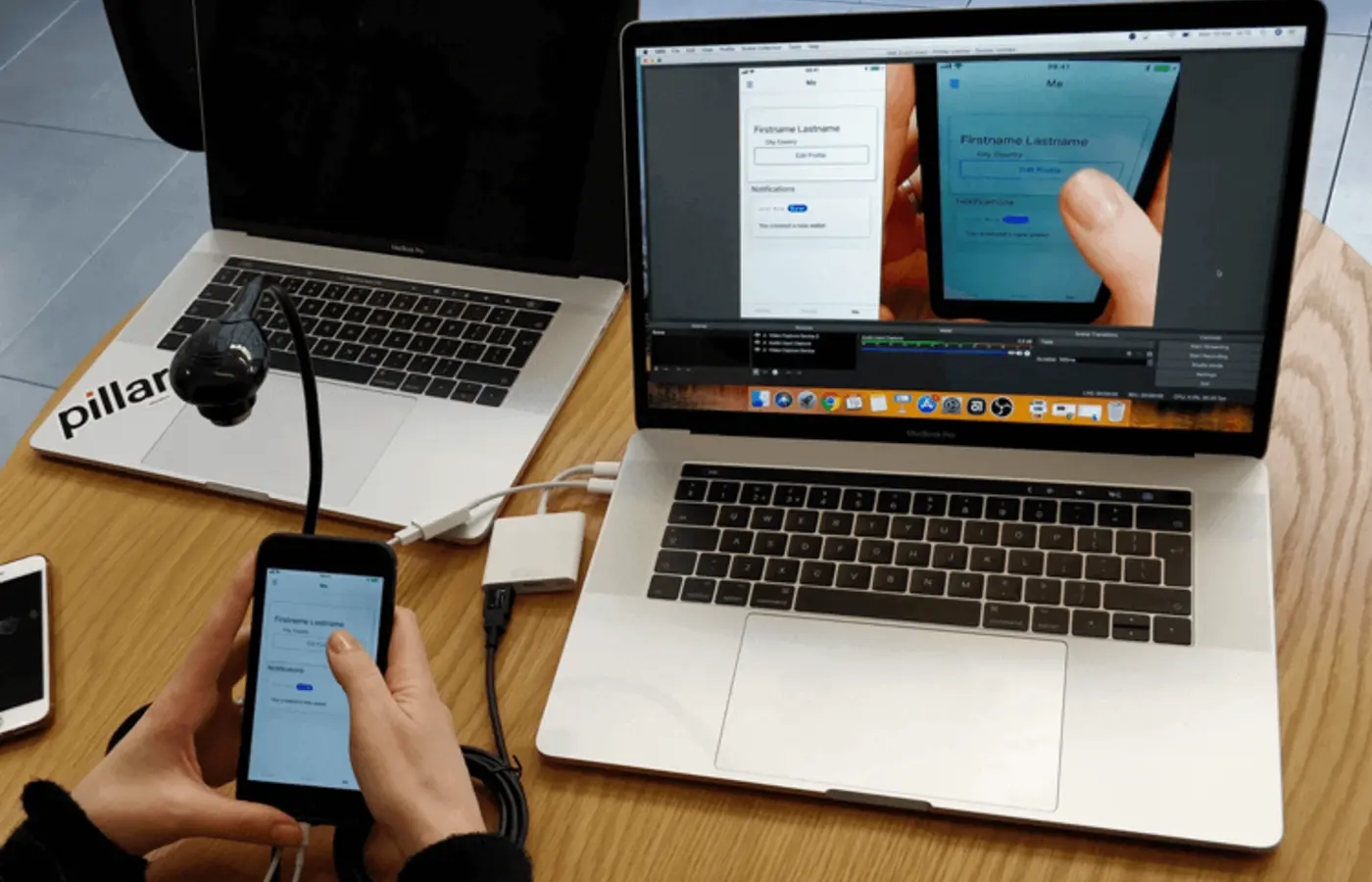
What starts the task? What has to be understood? What lets a person know they are finished?
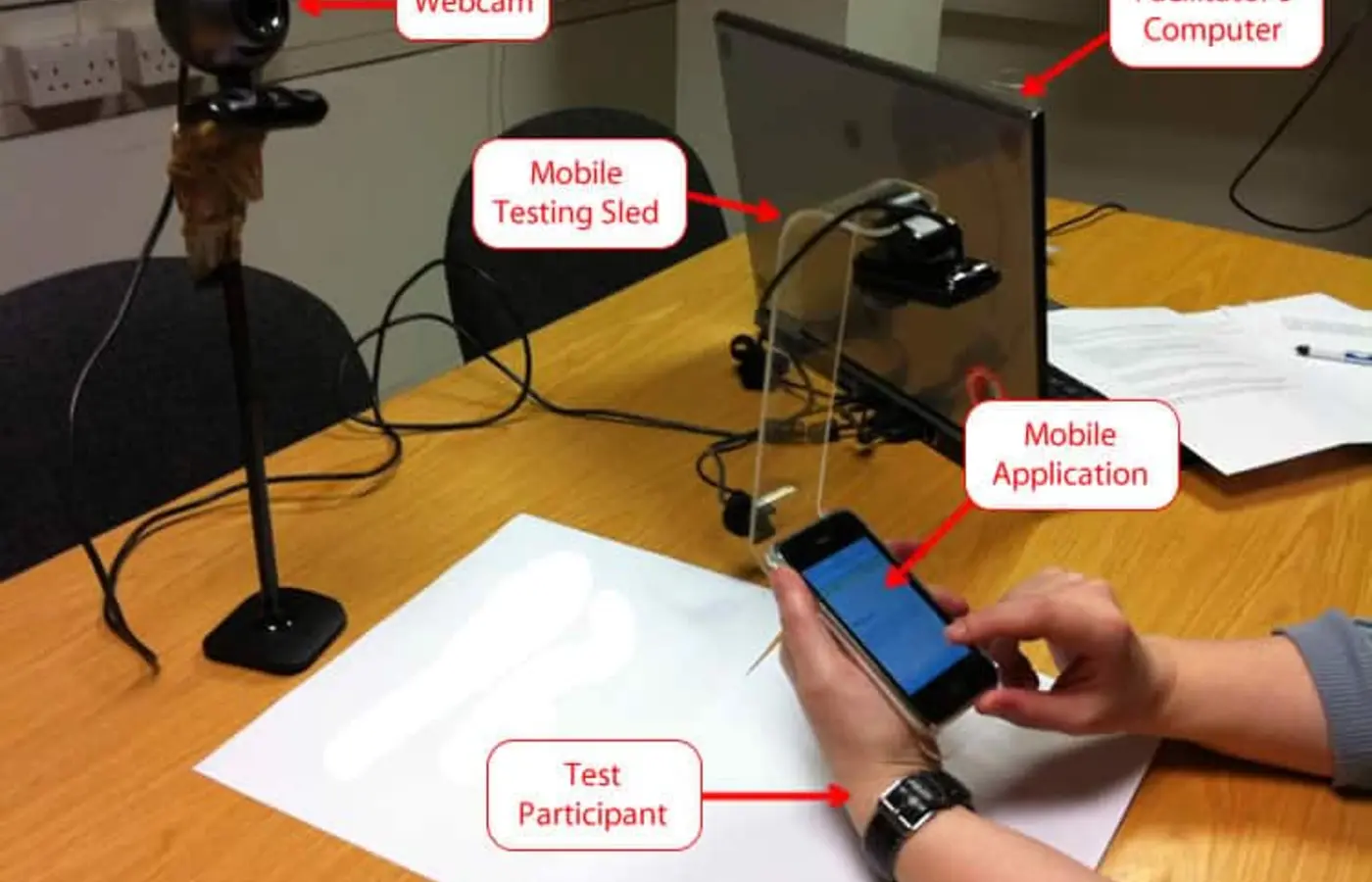
What is the app choosing to make simpler, safer, more visible or easier to revisit?
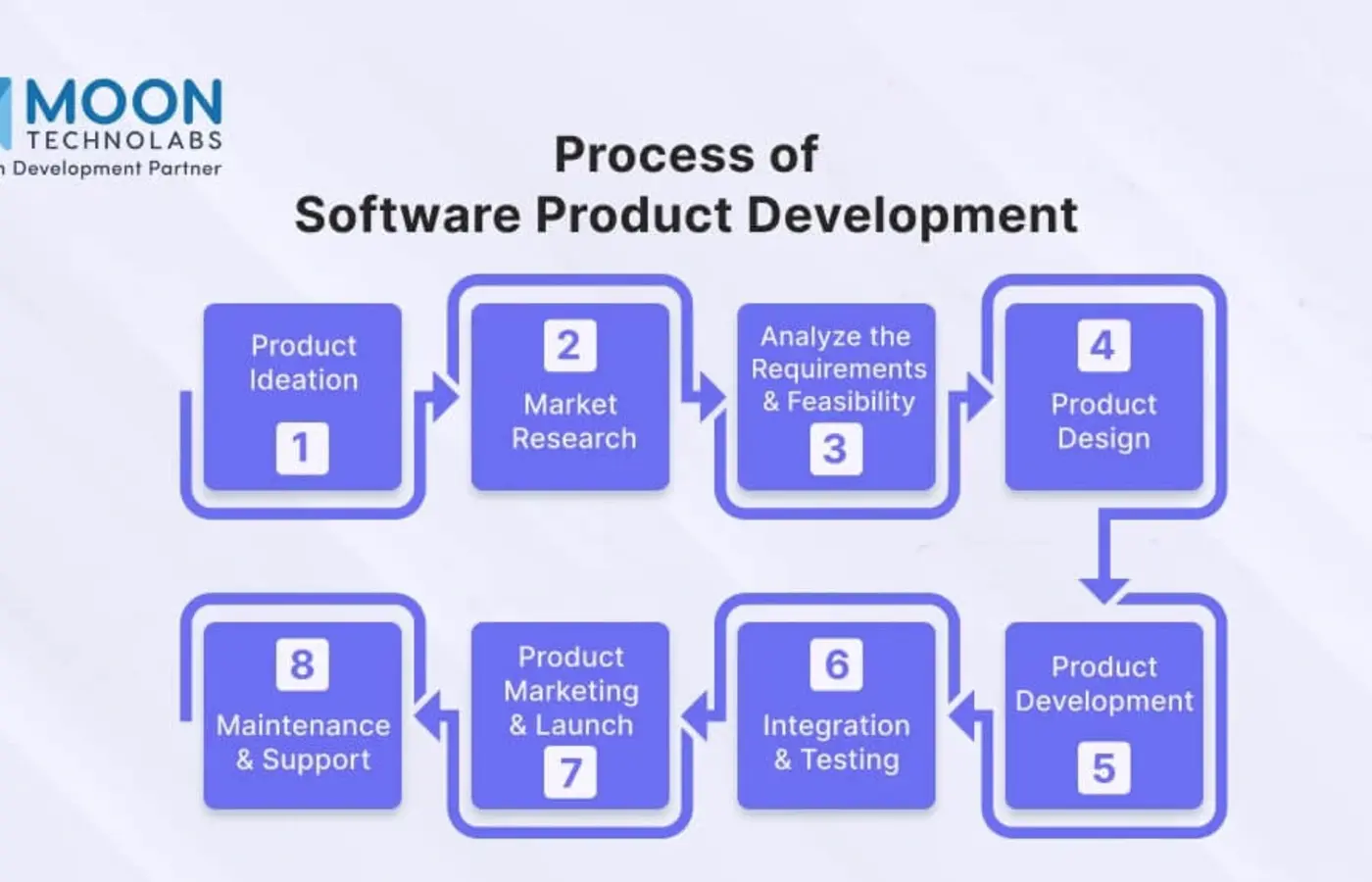
Which focused loop should be coherent now, and which ideas should wait until there is more evidence?
Questions worth keeping
What changes in the person’s environment when this task begins?
What needs to be clear before someone is comfortable moving forward?
How does a person regain their place when attention is interrupted or a choice changes?
What should the first release deliberately leave out so the central loop stays understandable?
Work at the right altitude
Switch the horizon to see what each conversation is trying to make clear.
Use a short situation statement, a map of the current workaround, and a record of uncertainties. This is where teams name the change the product is meant to support.
 A specific moment, not a generic audience.The practical consequence of the current problem.Questions that need observation rather than debate.
Use a task path, simple states, and a prototype. Keep the focus on what someone needs to recognize and decide at each moment.
One clear primary path through the task.Words that match the person’s mental model.A recovery path for a pause, mistake or changed mind.Use an explicit first-release boundary and a learning plan. This turns “what is next?” into a small number of useful observations.
A description of what is intentionally absent.A safe, realistic prompt for a prototype session.A note-taking plan that separates seeing from interpreting.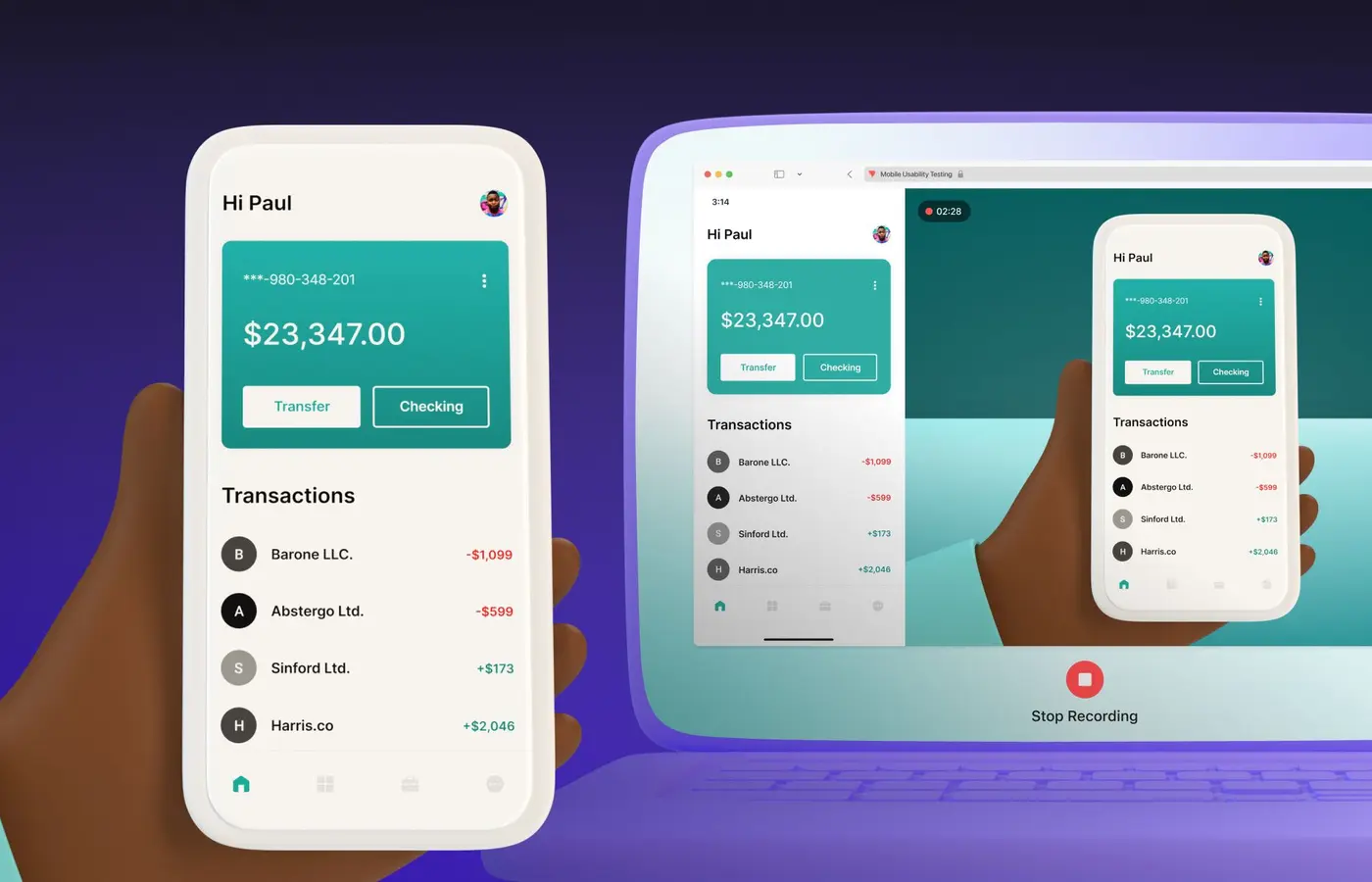
Prototype with purpose
A useful early session is an observation of someone trying to make sense of a realistic task. It is not a test of the person, and it does not need a finished interface to be revealing.


A shared readiness check
Use this local checklist to surface gaps in a planning conversation. It does not score a product; it simply shows what the group has named so far.
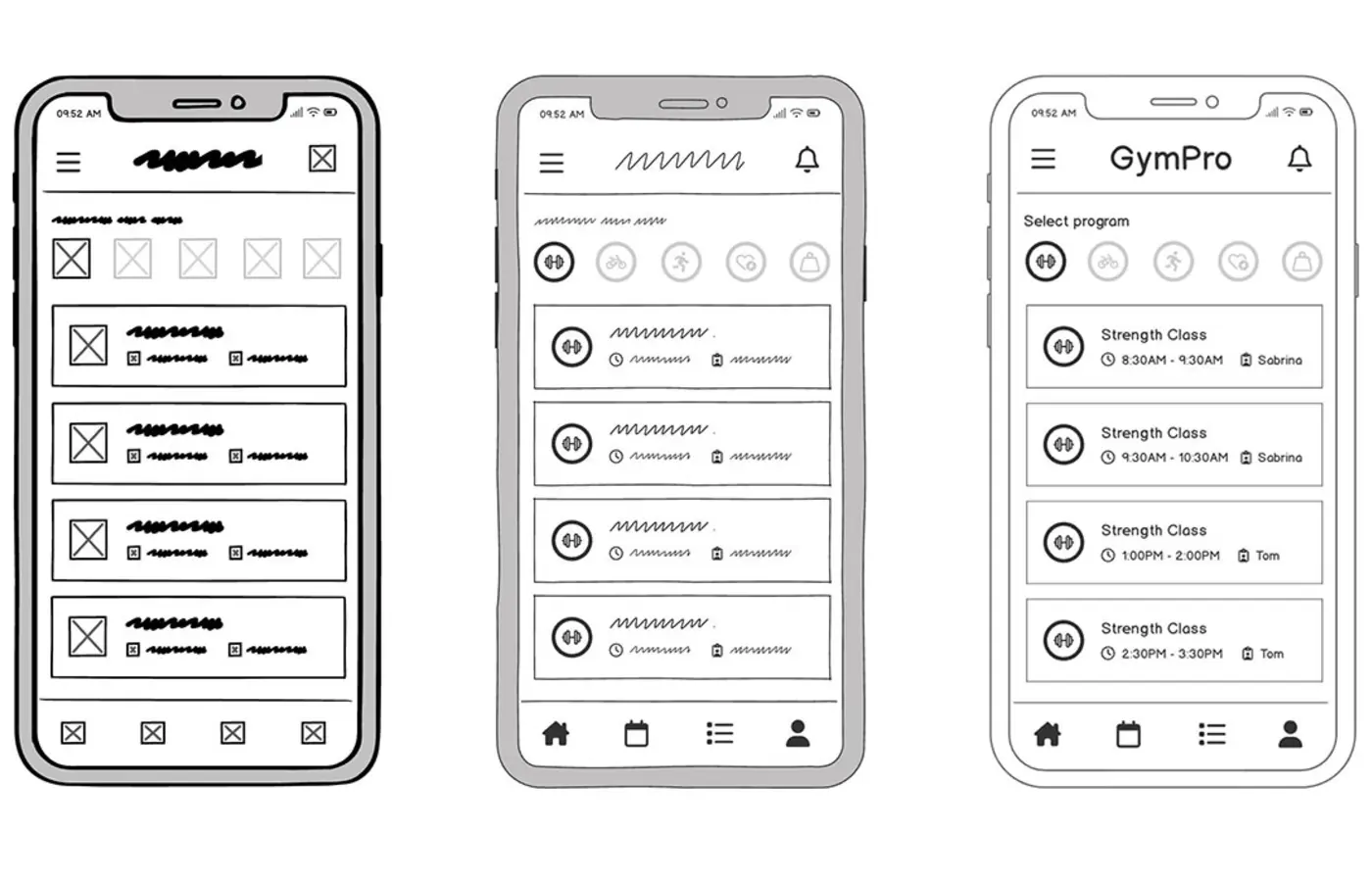
The product brief
Keep a brief short enough to revisit. It should make intent, boundaries and open questions available to the people shaping the product.
What moment are we trying to improve, and for whom?
What action and outcome must feel coherent in the first release?
What boundaries or responsibilities shape the solution space?
What could change the direction if we observed it?
Common questions
Planning becomes more useful when uncertainty has a place to live.